STAYCHARTED AMT / PRODUCT

Choose the model for your examples

Compare AMT’s text and picture models: what they learn, when to try them, and which plans include them.

START WITH YOUR DATA

Text or pictures?

Learn your categories from labeled examples. Compare the errors before choosing a model.

Compare the five model types

Plan availability below describes which models you can train. Check Pricing for current limits and Vision add-on details.

ModelReadsHow it learnsAvailable on
Classifier ModelTextWords and phrases from your examplesEvery plan
AI Classifier ModelTextWords plus meaning from a pre-trained language modelFree (1), Essentials and Business
Dedicated AI ModelTextFine-tunes a language model on your examplesBusiness
AI Image Classifier ModelPicturesPre-trained visual representations plus your categoriesEssentials or Business with Vision
Dedicated AI Image ModelPicturesFine-tunes a vision model on your picturesBusiness with Vision

TEXT

From repeated wording to subtle distinctions.

Classifier Model · Every plan

Learns which words and phrases go with your categories. Start here for text with repeated terminology and clearly separated labels. It can miss a familiar meaning expressed with unfamiliar words. Available on every plan.

AI Classifier Model · Free (1), Essentials and Business

Combines words with representations from a pre-trained language model. It can connect different wording with similar meaning while learning your own categories from labeled examples. The shared pre-trained language model is not fine-tuned on your uploads. Free includes one AI Classifier Model within its three-model allowance.

Dedicated AI Model · Business

Fine-tunes an AI language model on your examples. Try it when distinctions depend on context or subtle wording. Training is more involved than an AI Classifier Model, so compare measured accuracy and the errors that remain rather than assuming the larger model will always be better.

PICTURES / VISION

Teach the categories your pictures belong to.

AI Image Classifier Model · Vision add-on

Uses a pre-trained vision model to read pictures and learns your categories from labeled examples. Available with Vision on Essentials and Business. Train from photos in category folders or a spreadsheet of picture links. Vision classifies what pictures show; it is not OCR for extracting receipt or document text.

Dedicated AI Image Model · Business with Vision

Fine-tunes a vision model on your labeled pictures. Compare it with the AI Image Classifier Model when your categories depend on details the pre-trained representation does not separate well. Use representative held-out pictures to decide whether the change helps.

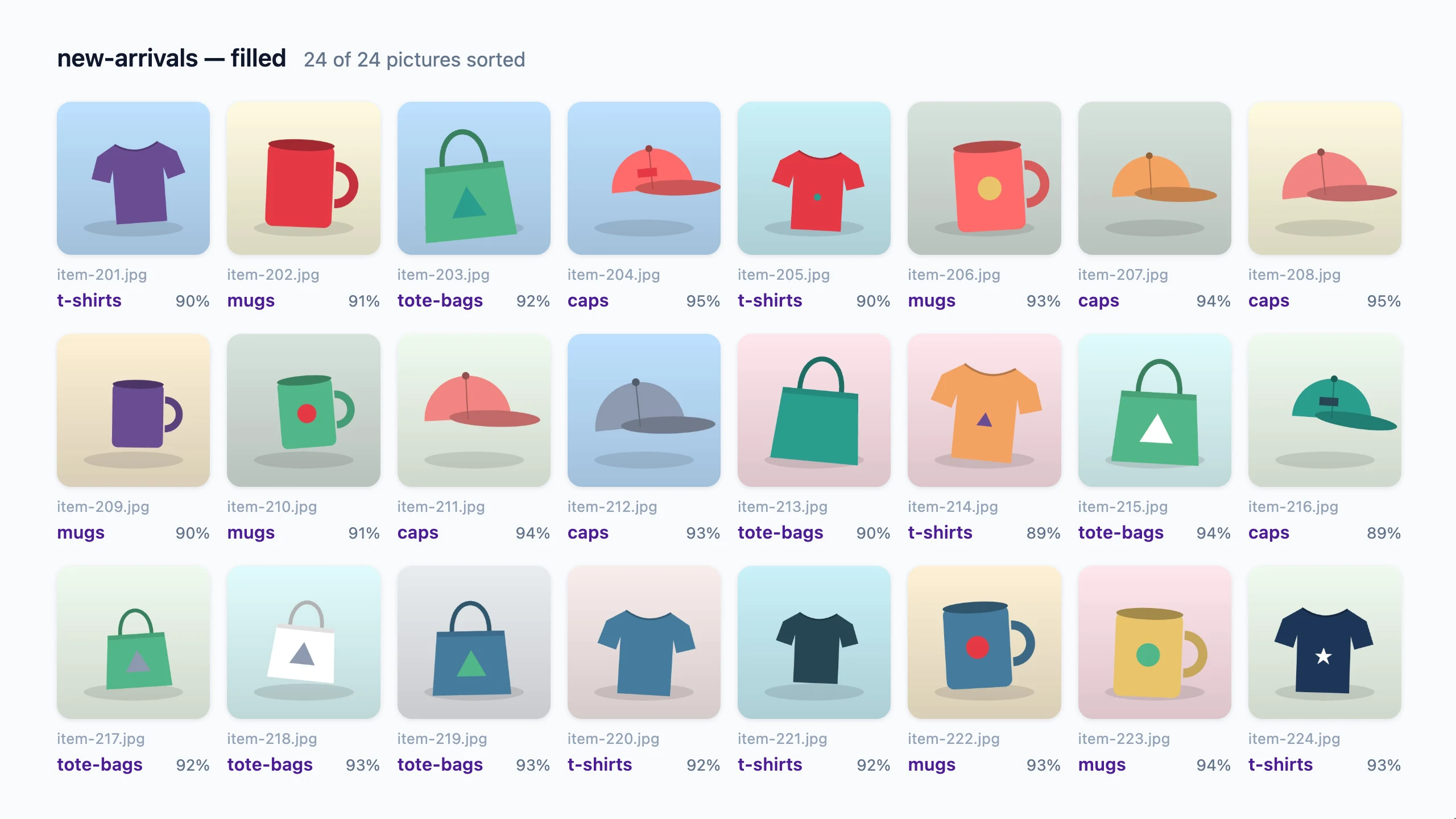
Picture classifications returned with confidence values
Picture classifications returned with confidence values · Sample data

Choose with evidence, not the model name

Keep a useful baseline

Start with an available model and representative examples. Check whether its mistakes are acceptable for the task.

Compare the difficult categories

A higher overall score can hide a weak category. Look at the labels your team most needs to get right.

Decide how results will be reviewed

Confidence helps you prioritize checks. It does not guarantee correctness or replace review for consequential uses.

Public benchmarks show how approaches differ on specific datasets. Your own data and labeling rules determine the best fit.

Explore the details

Try it on your own examples.

Start with Free for text classification. Compare plans for AI models, Vision, and API access.